Why MFA Fails in Real Attacks: How Accounts Get Compromised Even with MFA Enabled
Why MFA Fails in Real Attacks: How Accounts Get Compromised Even with MFA Enabled 🔐
Multi-Factor Authentication (MFA) is one of the most effective defenses against account compromise. When implemented correctly, it blocks a large percentage of automated and opportunistic attacks. Yet in real-world incidents, accounts protected by MFA are still taken over.
At SECMONS, post-incident analysis shows a consistent pattern: MFA is present, but attackers bypass it by targeting everything around it. Understanding these failure paths is essential, because MFA reduces risk — it does not eliminate it.
This article explains how MFA fails in practice, which bypass techniques are commonly observed, and why relying on MFA alone creates a dangerous sense of closure.
MFA Reduces Risk — It Does Not End the Attack 🧠
MFA is designed to protect the authentication step. Most attacks today focus on what happens before or after authentication.
Once an attacker:
- captures an active session,
- compromises email recovery,
- abuses trusted devices,
- or manipulates user behavior,
MFA often becomes irrelevant.
This is why MFA must be viewed as part of a broader Prevent Account Takeovers strategy, not the final step.
MFA Fatigue and Push Abuse 📲
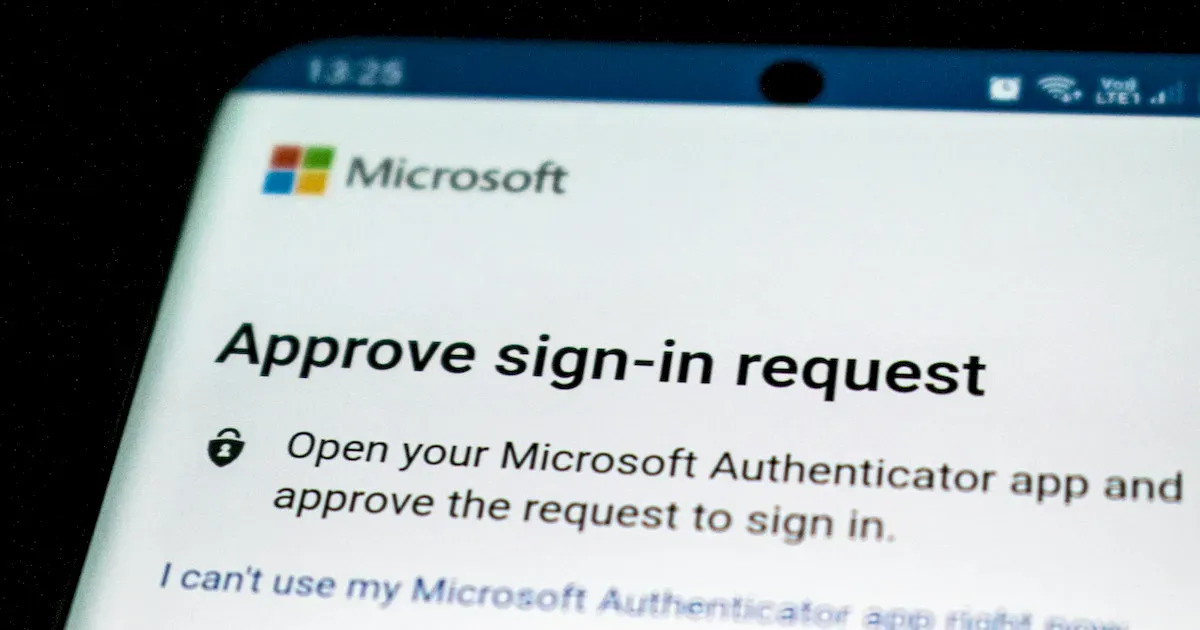
One of the most documented MFA bypass techniques is push fatigue.
In this scenario:
- attackers already have the correct password,
- repeated MFA push requests are sent,
- the victim receives multiple prompts,
- one request is eventually approved out of confusion or pressure.
This technique exploits human behavior, not technical flaws. It appears frequently in phishing-driven campaigns and overlaps strongly with patterns described in Phishing Attacks.
MFA works only when approvals are deliberate. When approvals become routine interruptions, attackers gain leverage.
Session Hijacking: MFA Bypassed Without Interaction 🍪
In many real incidents, MFA is never challenged at all.
After successful authentication, platforms issue session cookies or tokens that represent the logged-in state. If an attacker steals these artifacts, they can reuse the session without triggering MFA again.
Session hijacking commonly occurs through:
- malware or infostealers,
- malicious browser extensions,
- compromised devices,
- unsafe network environments.
This is why session handling is a critical but under-discussed factor in Account Takeovers.
For the defensive implications, see Browser Security.
Compromised Email Makes MFA Irrelevant 📧
Email accounts are often the true root of trust.
If an attacker controls the email inbox associated with an account, they can:
- reset passwords,
- approve security changes,
- add new MFA methods,
- remove existing protections.
In such cases, MFA protects the front door while the attacker enters through recovery flows. This is why email protection is foundational, as explained in Email Security.
Recovery Flows: The Weakest Link 🔁
Many platforms prioritize usability over resilience in recovery mechanisms.
Attackers frequently abuse:
- password reset emails,
- phone-based recovery,
- backup codes,
- support workflows.
Once recovery controls are modified, MFA no longer protects the account — the attacker simply redefines access.
This is a common reason password resets and MFA changes fail to stop repeated compromise, as discussed in Why Password Resets Don’t Stop Account Takeovers.
Trusted Devices and Persistent Access 🖥️
Trusted devices are designed to reduce friction. They also reduce security.
If an attacker authenticates once on a trusted device:
- MFA challenges may be suppressed,
- sessions persist longer,
- access appears legitimate.
This risk increases on shared, lost, or compromised devices — especially when combined with malware. These scenarios frequently escalate into Identity Theft Protection incidents.
Observed Pattern: How MFA-Protected Accounts Still Fall 🔍
Across multiple incident types, the same sequence appears:
- Credentials obtained via phishing or breach
- MFA bypassed through fatigue or session reuse
- Recovery settings altered
- Persistent access established
- Victim locked out later
The failure is not MFA itself — it is treating MFA as the final control.
What Actually Strengthens MFA 🧩
MFA is most effective when combined with:
- session revocation after suspicious activity,
- strong email protection,
- limited recovery options,
- hardware-backed or phishing-resistant MFA,
- consistent Cyber Hygiene.
These controls work together to reduce bypass opportunities rather than assuming one control will block all attacks.
“I Was Compromised Even Though I Had MFA Enabled.” What to Do Next 🚨
If you believe your account was compromised despite MFA:
- Secure the associated email account first
- Revoke all active sessions and trusted devices
- Review and reset recovery options
- Scan devices for malware
- Change passwords only after cleanup
- Monitor related accounts for follow-up abuse
MFA should remain enabled — but it must be reinforced with system-wide cleanup, not used as proof that “everything is fine.”
Why Understanding MFA Failure Matters 🧠
MFA remains essential. But understanding how it fails prevents false confidence.
Attackers succeed by chaining small weaknesses. Defenders succeed by closing those chains — not by relying on a single strong link.









